
Load Balancing vs Routing for AI Models: What's the Difference?
Load balancing picks which copy of a model answers; routing picks which model. How LLM load balancing, routing and failover differ, and what you need.
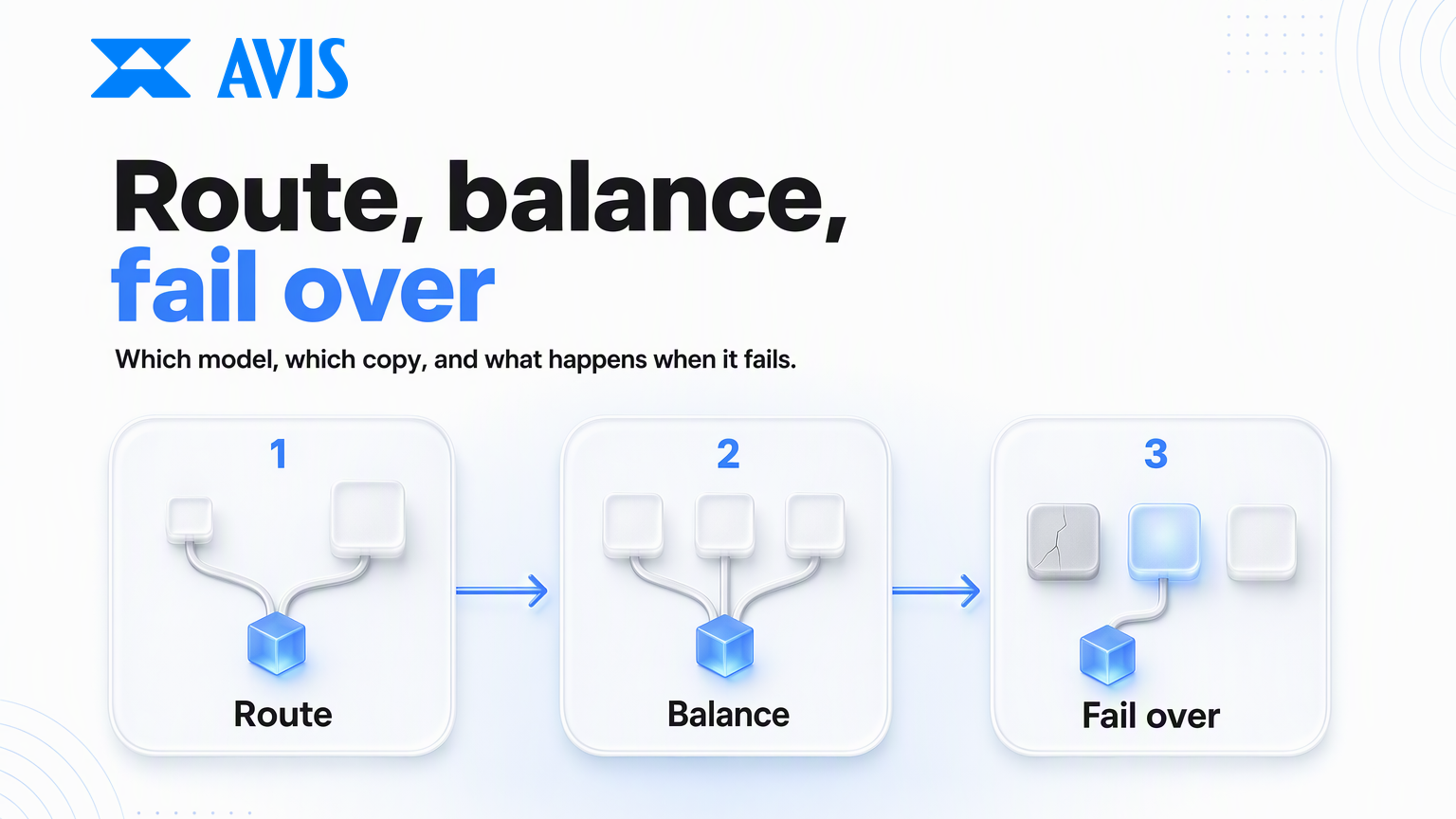
Your app has outgrown one API key. You're hitting rate limits at peak, a provider outage took you down last month, and every AI gateway's feature list mentions load balancing, routing and fallback as if they were the same thing. They aren't. LLM load balancing spreads requests across copies of the same model. Routing chooses which model a request should go to. Failover decides what happens when the first choice fails. This guide explains each one, the LLM-specific traps, and how to tell which you need.
Load balancing vs routing: the short answer
Load balancing decides which copy of a model serves a request. Routing decides which model serves it. With load balancing, users shouldn't be able to tell which backend answered. With routing, the answer can change, because a different model wrote it.
| Load balancing | Routing | |
|---|---|---|
| Question it answers | Which deployment, key, region or provider runs this model? | Which model should handle this request? |
| Main goal | Capacity, uptime, latency | Cost, quality, capability |
| Effect on output | Should look the same | Can change noticeably |
| Typical triggers | Rate limits, slow or failing backends, region | Task type, prompt difficulty, price, features needed |
| Typical methods | Round-robin, weighted, least-busy, latency-based, priority groups | Rules, classifiers, cheap-first cascades |
| Main risk | Backends that aren't truly identical | Sending a hard request to a weak model |
Failover sits between the two. Retrying on another copy of the same model is load balancing. Falling back to a different model when every copy fails is routing, and it should be a deliberate choice, not an accident.
How LLM load balancing works
LLM load balancing groups several backends that serve the same model, then spreads requests across them by a rule. A backend might be a second API key, a deployment in another region, or the same open model hosted by a different provider.
Balancing strategies
| Strategy | How it picks | Good for |
|---|---|---|
| Round-robin | Next backend in turn | Identical backends with equal limits |
| Weighted | In proportion to set weights | Backends with different quotas, or a gradual migration |
| Least-busy | Backend with the fewest requests in flight | Long, uneven requests such as streaming chat |
| Latency-based | Backend with the lowest recent response time | Latency-sensitive features |
| Usage-based | Backend furthest from its rate limit | Tight per-key token or request quotas |
| Priority groups | Primary group first; others only when it's unavailable | A reserved-capacity deployment with pay-as-you-go spillover |
Most teams start with weighted or round-robin and add priority groups when they have one preferred backend, such as reserved capacity they've already paid for. Usage-based balancing needs shared counters across all your servers, which adds overhead, so it's worth it mainly when quotas are tight.
Handle 429s and outages per backend
A good balancer tracks health for each backend separately. When a backend returns a rate-limit error, it should be taken out of rotation for a while rather than hit again. One widely used open-source router, by default, cools a backend down immediately on a 429, or when more than half its requests fail within a minute, then tries it again after a short pause.
Respect Retry-After headers. Some providers return a wait time with a 429, and it can be long: one major cloud platform documents values as large as a day. Retrying that backend every few seconds just wastes requests. A circuit breaker that trips for the stated duration, while the other backends take the traffic, is the safer pattern.
Watch prompt caching and chat sessions
This is where LLM balancing differs from balancing ordinary web traffic. Many providers cache long prompt prefixes, such as a big system prompt or a shared document, and bill cached input at a steep discount. Those caches usually live on specific machines, and requests are often steered there by a hash of the prompt's opening tokens. Spread the same long prefix evenly across many keys or providers and each one sees fewer repeats, so you get fewer cache hits and pay more.
Two fixes help. Keep requests that share a long prefix on the same backend where you can. And for multi-turn chat, consider session stickiness so one conversation stays on one backend.
Check that "the same model" really is the same
Balancing assumes interchangeable backends. Across providers, that isn't always true. Two hosts of the same open model can differ in context limits, supported parameters, quantization and default settings. Even on one platform, models in the same family can accept different values: on AVIS, sending a value outside a model's allowed range returns a 400, and the Model List shows each model's limits. Test each backend with your real requests before putting it in the pool.
The same endpoint also shows which providers currently serve a given model, through providerIds, and returns capabilities for the default provider chosen by priority. AVIS's docs don't document automatic failover between those providers, so build your own fallback for provider errors rather than assuming one.
How model routing works
Model routing sends each request to the model best suited to it, usually to save money without hurting quality, or to reach a capability only some models have. Unlike balancing, it changes who writes the answer.
Common routing rules
| Route by | Example |
|---|---|
| Task type | Classification and extraction to a small model; long-form writing to a large one |
| Difficulty | A classifier or score sends easy prompts to a cheap model, hard ones to a strong model |
| Cascade | Try the cheap model first; escalate if its answer fails a check |
| Capability | Requests with images, tools or very long context to models that support them |
| Cost or budget | Free-tier users to a cheaper model; paid users to the best |
| Region or policy | Data that must stay in a region to providers hosted there |
Rules are the easiest place to start: they're predictable and easy to debug. Classifiers and cascades save more but need an evaluation set to show they aren't quietly lowering quality. If you're weighing a managed router against your own, build vs buy for an LLM router covers the trade-offs.
What routing saves and what it costs
The savings can be large. In 2024 research, learned routers that chose between a strong and a weak model cut costs by more than half in some cases without lowering response quality on the benchmarks tested. The catch is "in some cases": the result depends on how much of your traffic is genuinely easy.
Routing has costs too. Each misrouted hard request is a worse answer for a real user. Different models format output differently, so your parsing has to handle all of them. And debugging gets harder unless you log which model served each request. On AVIS, every model sits behind the same key, so a routing decision is a change to the model string; how to find and choose a model shows how to compare candidates and check what each accepts.
Where failover fits, and which one you need
Failover is the rule for what happens when the chosen backend or model fails. The first step should usually be load balancing: try another copy of the same model. Only if that fails too should you route to a different model, and only to one you've already tested for that job.
Which errors should move traffic
Not every error deserves a retry somewhere else. If the request itself is the problem, it will fail on every backend.
| Error | Move traffic? | Why |
|---|---|---|
5xx, timeouts, provider unavailable |
Yes | The backend is the problem; another one may work |
429 from a provider's rate limit |
Yes, and cool that backend down | Capacity on that backend is used up |
400 invalid request or parameter |
No | The same request will fail elsewhere; fix it |
401 / 403 auth or balance |
No | A configuration or billing problem, not capacity |
| Content-policy refusal | Usually no | Another model may refuse too; check your policy first |
Check what each status means on your platform before writing the rules. On AVIS, a 429 means the API key's own spend limit has been reached, not provider capacity, so moving to another provider won't help. A 502 or 503 means the upstream provider failed or is unavailable, which is the case for failover. The Errors reference lists every status. Capacity is also limited per account: the AVIS FAQ notes each account has a concurrent-request limit that rises with usage, and API concurrency limits explains how to work within one.
Cap retries and add backoff with jitter. Without a cap, a provider outage can turn into a retry storm that hits your own limits.
The order they run in
For most apps, the sequence looks like this:
- Route: pick the model for this request (rules, classifier or cascade).
- Balance: pick a healthy backend for that model.
- Fail over within the model: on a retryable error, try another backend for the same model.
- Fall back across models: if every backend fails, use a tested backup model, a cached answer, or a clear error.
- Log: record the model, backend, latency, cost and outcome for every request.
A quick way to tell which parts you need:
- Hitting rate limits or regional latency on one model? Start with load balancing.
- Paying for a large model on easy requests? Start with routing.
- Worried about one provider going down? Add failover across backends, then a tested model fallback.
- All three? That's when an AI gateway, managed or self-hosted, starts to pay for itself.
FAQ
What is the difference between load balancing and routing for LLMs?
Load balancing spreads requests across several copies of the same model, such as multiple keys, regions or providers, to add capacity and uptime. Routing chooses which model should handle each request, usually to save cost or reach a needed capability. Balancing should leave the output unchanged; routing can change it.
Is fallback the same as load balancing?
Not quite. Retrying on another copy of the same model is part of load balancing. Falling back to a different model is routing, because the answer will come from a different model. Treat model fallback as a deliberate, tested choice.
Does load balancing across providers give identical outputs?
Not always. Different hosts of the same open model can differ in context limits, supported parameters, quantization and defaults, and outputs vary between calls anyway. Test each backend with real requests before adding it to a pool.
Does load balancing affect prompt caching?
It can. Prompt caches usually live on specific machines, so spreading requests that share a long prefix across many keys or providers reduces cache hits and raises cost. Keep shared-prefix traffic on the same backend where possible, and use session stickiness for multi-turn chat.
Do I need an AI gateway to load balance?
No. A small client-side wrapper can rotate keys, track backend health and retry on errors. A gateway becomes worth it when you need balancing, routing, failover, logging and spend control together across several teams or apps.
Wrapping up
LLM load balancing, routing and failover solve different problems. Balancing adds capacity by spreading traffic across copies of one model. Routing saves cost by choosing the right model for each request. Failover keeps you up when a choice fails. Start with the one your traffic needs, move traffic only on errors that another backend can fix, and log which model served every request. On AVIS, one key reaches every model, so a tested fallback model is a model string away.
Last updated: November 2026